v0.62June 3, 2026
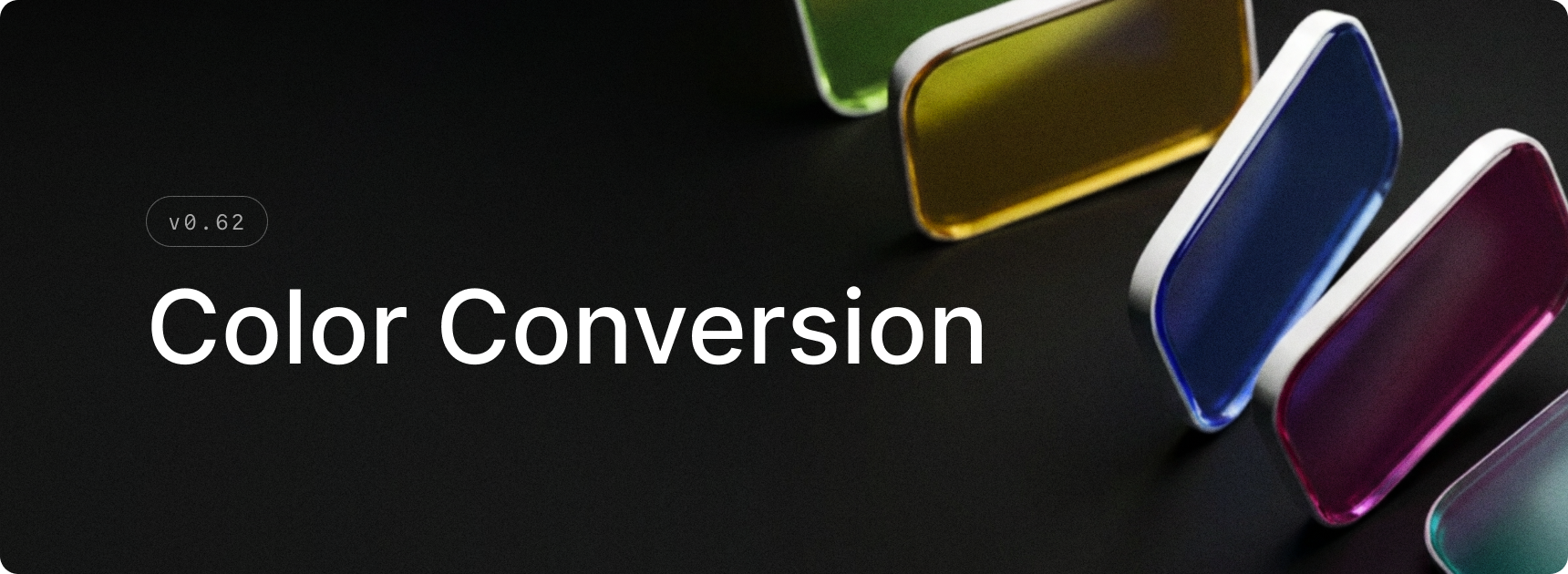
Color conversion is now in Raycast! Type any supported color value in root search to get an instant visual preview, and copy it in the format you need. Supports hex, rgb, hsl, oklch, and more.
✨ New
- Applications: Added Hotkey Behavior setting to Applications settings
- Calculator: Enable color conversion from Calculator settings to start surfacing color results in root search
- Calculator: Type or paste any color value in root search to see an instant preview
- Calculator: Copy a converted color in any supported format — hex, rgb, hsl, and modern color spaces like Oklch and Lab
- File Search: Added “Open In File Explorer” command when entering a file path in the root search
💎 Improvements
- System: Updated window closing, maximization, and restore animations
- System: Increased the window title bar height
- Quick Fix: Added a setup step that detects whether Windows Sticky Keys is active and offers to disable it to avoid interfering with the double-tap Shift hotkey
- Calendar: Parse “safe links” to get the meeting urls
- Quicklinks: Improve support for quicklinks to Raycast deeplinks
- Games: Added support for favoriting games
- Store: Added support for filtering by “Installed” extensions
🐞 Fixes
- System: Fixed windows not respecting the minimum size when resized on displays with custom DPI scaling
- System: Fixed an issue where the main window could be closed instead of hidden, causing it not to reappear on the next activation
- System: Fixed the window restore animation starting from an incorrect initial size
- System: Fixed a memory leak
- System: Do not show "Unable to toggle system appearance” when System appearance changes
- Translator: Show source text in the target panel when the source and target languages are the same
- Script Commands: Handle ANSI output